Medieval CUE Splitter 2.0.8 for Windows(Microsoft Store)
詳細說明介紹
支援的音樂檔案格式:uncompressed pcm WAVE, MP3, FLAC, APE, OGG, WMA, MPC, WV and TTA;
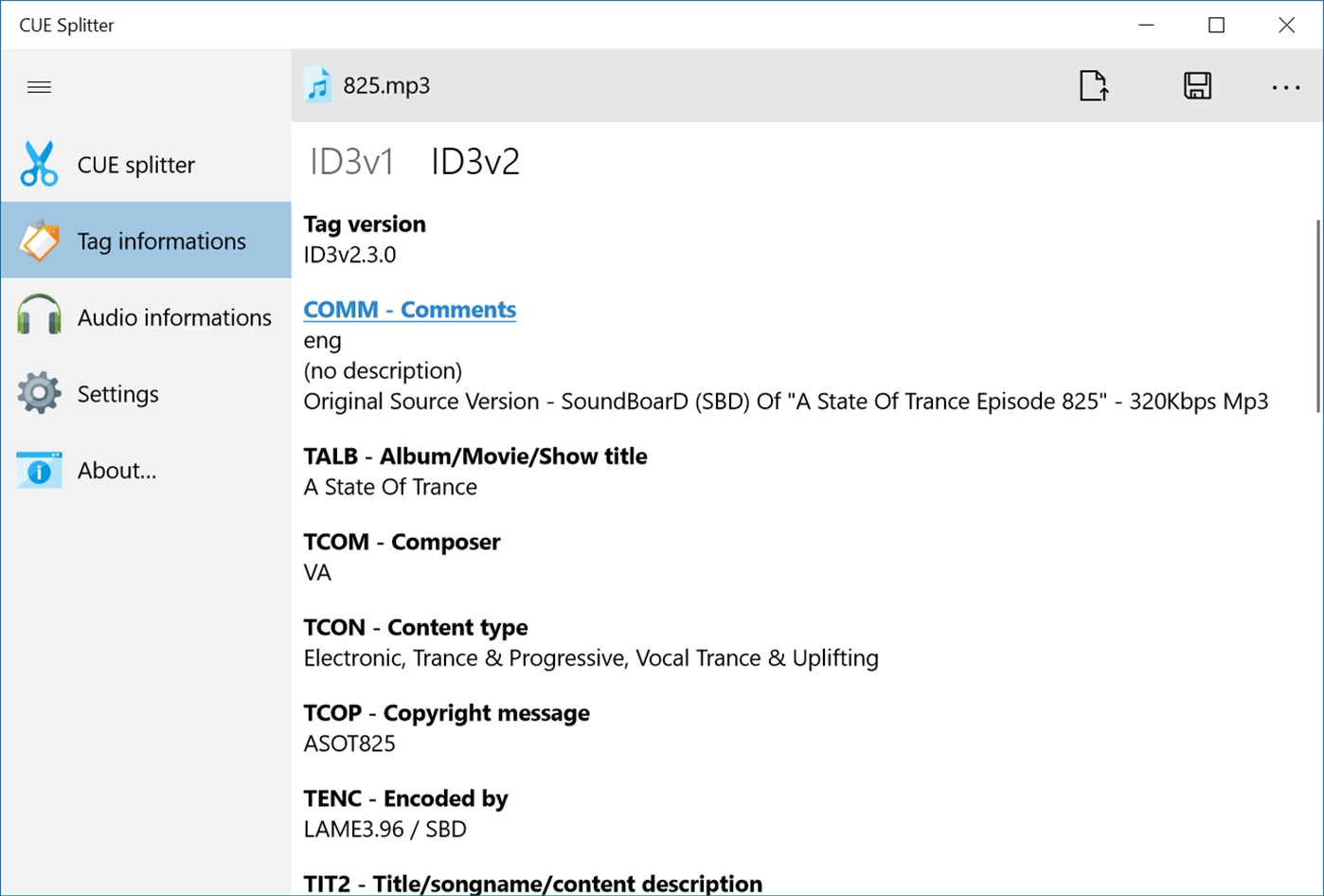
支援的音樂 Tags:ID3v1, ID3v2, Lyrics, Vorbis comment e APE;
支援 Unicode, UTF8 and ANSI 編碼格式。
更多完整功能包含:
Supported audio files: uncompressed pcm WAVE, MP3, FLAC, APE, OGG, WMA, MPC, WV and TTA;
Accurate VBR MP3 processing;
Full support for DTS-WAV of DTS-Audio CD;
Supported audio tags: ID3v1, ID3v2, Lyrics, Vorbis comment e APE;
Complete support for Unicode, UTF8 and ANSI encodings in every part of the program;
Can load .CUE files written with Unicode, UTF8 and ANSI (any codepage) encoding;
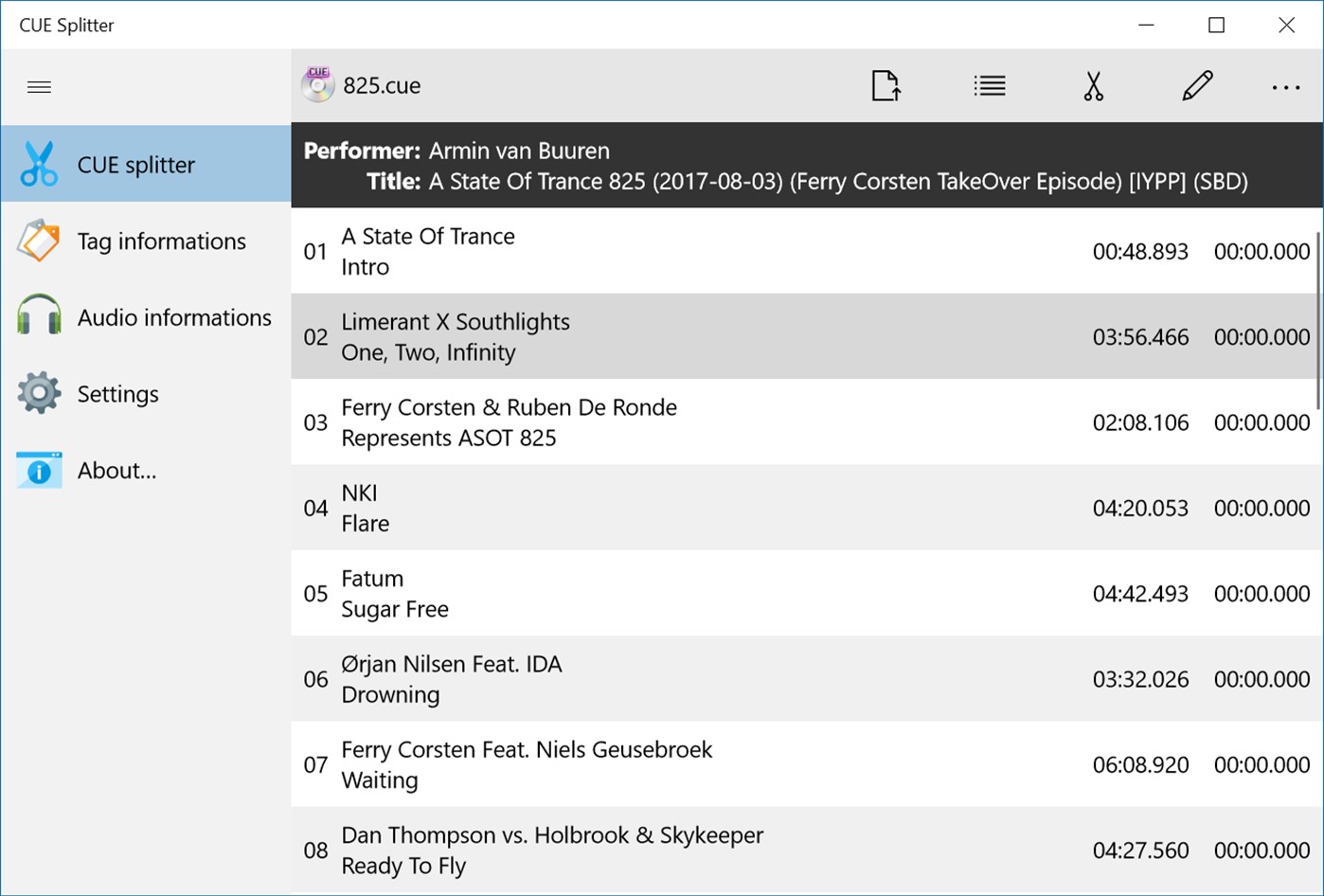
You can batch process a series of CUE sheet files at once;
Hidden tracks and sub-indexes are automatically detected;
You can include the gap sound chunk (mostly silence) on splitted files;
Various file access methods to improve performance across different systems;
Generated file names are automatically constructed using a user-defined "file mask" string (Press F1 or F6 for a tutorial);
Generated file tags are automatically filled with informations extracted from "CUE" files (tags can be modified on-the-fly);
Automatically generates an M3U and M3U8 playlist file ready for Winamp (and other players);
You can automatically generate a new CUE sheet file at the end of split process;
You can send all splitted fiiles into a common directory (press F6 to configure this feature);
CUE sheet and M3U generated files can use a file mask too;
You can choose only desired tracks for extraction;
You can associate .CUE extension with CUE Splitter and double-click on any .CUE file from Windows explorer;
You can handle any number of custom "file mask" strings, as needed, directly from the user-interface;
You can choose a char case changer, for files and tags, between: title case, upper case, lower case, sentence case;
You can scan a single audio file or an entire directory recursively, to obtain file informations and detect audio errors;
You can edit artist and title using pop-up menu or double-clicking over a track (changes are not saved back on .CUE);
You can create and handle your custom list of musical genres (used for tags);
You can choose your preferred font face to use in the user-interface form;
Multi-language interface: you can translate the software to your language using the buil-in translating tool;
Simple, light and straightforward user-interface;
Tray icon enabled;
如果您覺得此軟體符合您的需求,請點擊下方按鈕前往下載頁面。
立即進入下載頁面軟體截圖參考